One routine, clearly recorded
GLP-1 tracker app
A GLP-1 tracker needs a dependable dose history, reminders tied to your schedule, room for notes, and a clear way to keep pens or vials organized. PinPoint connects those records with modeled levels, weight trends and supply forecasts so the information stays together.
Get PinPoint on theApp Store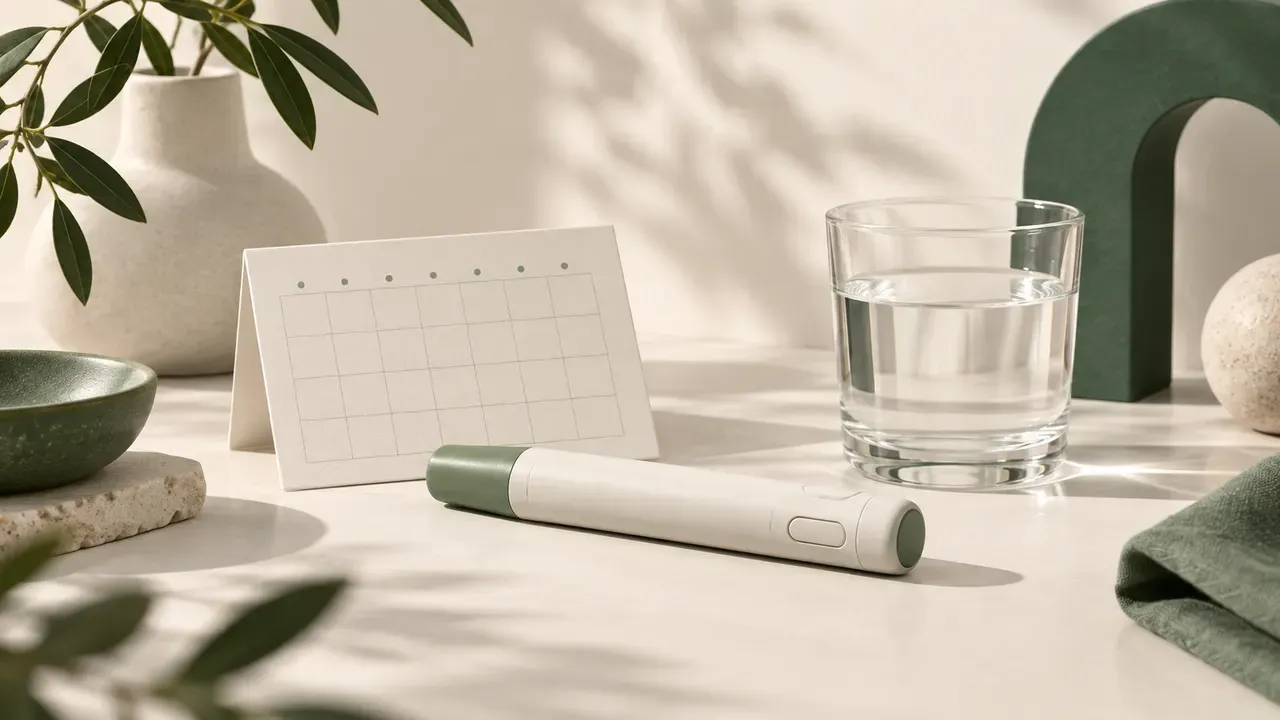
A record for doses and the days between
The PinPoint library includes semaglutide, tirzepatide, retatrutide and liraglutide. These are separate generic entries, not interchangeable schedules. A tracker helps preserve which compound was entered and when. The half-life references explain the timing behind a model; they do not decide what your next entry should be.
Pen and vial tracking can sit side by side. A supply forecast estimates when stock runs out from the recorded setup and pattern. This is useful context when reviewing the calendar, but its value depends on the information entered. Logging a past event and planning a future event answer different questions, so keeping the history complete matters.
Weight, calories, protein and water can be tracked with trend charts. Side effects can be recorded with severity ratings and daily notes, and Apple Health sync covers weight, water, nutrition and activity. Those records help keep observations in one place without turning a pattern on a chart into a diagnosis or a reason to change a protocol.
Tirzepatide is sold as Mounjaro and Zepbound. Semaglutide brand names include Ozempic, Wegovy and Rybelsus; liraglutide brand names include Saxenda and Victoza. Product names help identify the record, while the generic compound remains the starting point for the library. These names do not imply identical presentations or instructions.
See the history behind the curve
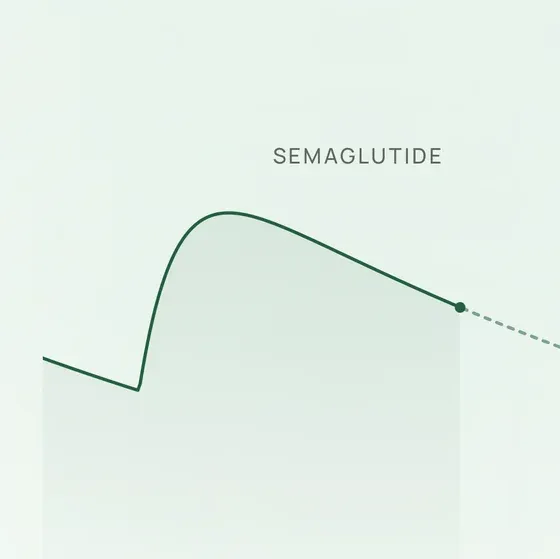
The Home curve models levels between doses from published half-life data. Drag to scrub modeled values at any timestamp, or preview 30 days of a dose pattern. Your log supplies the history; a mathematical model supplies the illustration.
That distinction stays important even when a curve looks smooth. Modeled values are population-average visualizations and do not account for individual variation. The half-life library explains the reference numbers, decay arithmetic and source limitations.
Keep the next entry and supply in view
Reminders follow the day and time you set, with a color-coded calendar. Track vials and prefilled pens side by side. A supply forecast estimates when your stock runs out, so supply information remains connected to the routine you entered.
A two-minute setup checklist
Have your existing protocol and container details to hand. This short checklist follows the information needed to create the record; take the time needed to verify each entry.
- Select the compound for the protocol you are recording. Keep the compound name and route aligned with your own record.
- Enter the vial or pen details. For vial conversion, enter the vial amount and water volume so the app can calculate concentration and syringe units.
- Enter your existing dose pattern and set its days and times. Review the schedule and the modeled curve drawn from your entries.
- Set reminders for the day and time you entered. Log doses as they happen, or backfill earlier entries to complete your history.
Your protocol, on your device
No account, no sign-up. Your protocol stays on your device and syncs only through your own private iCloud. Ask PinPoint history is kept on the device and never synced. When you ask a question, your message, recent messages and relevant tracker context are sent only after you tap Allow; PinPoint does not store any of it on its servers.
PinPoint Pro also includes PDF, CSV and JSON export. Those formats give you a way to carry a record outside the app while keeping the original log organized. Explore dated App Store comparisons to review listing facts alongside PinPoint’s published features.
Questions, answered
Can PinPoint track both pens and vials?
Yes. PinPoint tracks vials and prefilled pens side by side. Its supply forecast estimates when stock runs out, while reminders follow the day and time you set.
Where does my protocol data go?
Your protocol stays on your device and syncs only through your own private iCloud. No account or sign-up is needed. Ask PinPoint history stays on the device; sending a question and relevant tracker context requires tapping Allow.
How is the subscription managed?
Subscription through the App Store, cancel anytime in your Apple ID settings.
PinPoint is a tracking and unit-conversion tool, not a medical device. Modeled levels are mathematical illustrations, not blood tests or individual predictions. Medical decisions belong with your healthcare provider.